
-15%
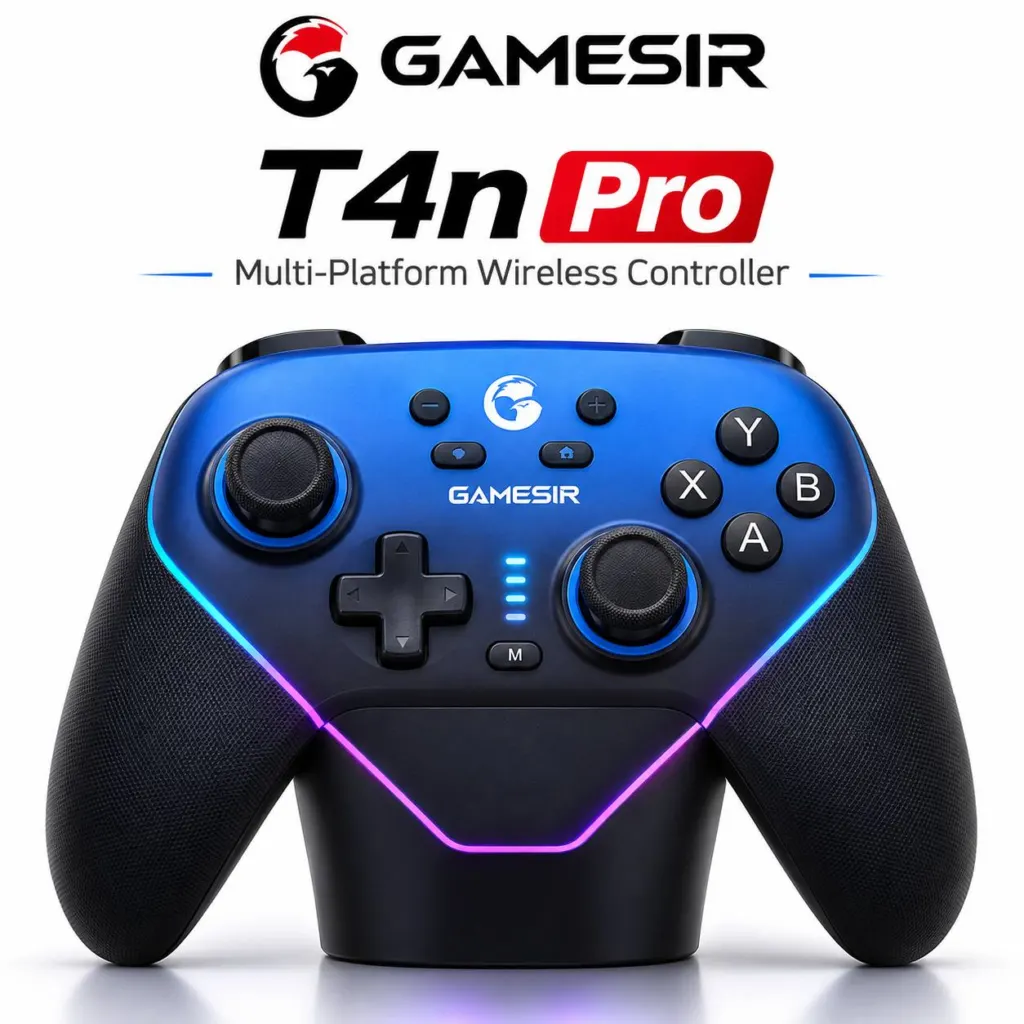
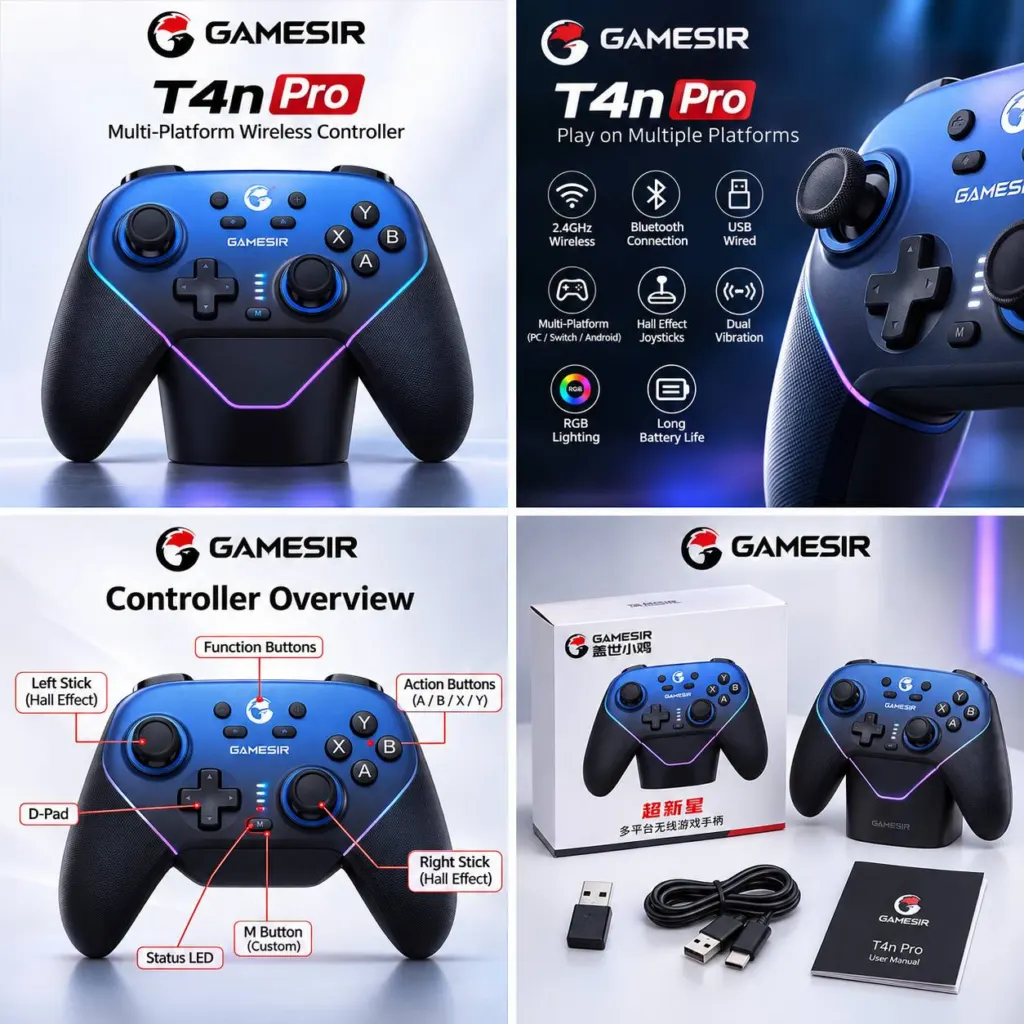
GameSir Super Nova T4n Pro Wireless Controller - Blue and Black
GameSir Super Nova T4n Pro Wireless Controller - Blue and Black - image 2
GameSir Super Nova T4n Pro Wireless Controller - Blue and Black - image 3
GameSir Super Nova T4n Pro Wireless Controller - Blue and Black - image 4
GameSir Super Nova T4n Pro Wireless Controller - Blue and Black - image 5
GameSir®

GameSir Super Nova T4n Pro Wireless Controller – Blue and Black

The GameSir Super Nova T4n Pro offers Hall-effect sticks and triggers, programmable rear buttons, and wireless or wired connectivity for supported platforms.

MAD 549MAD 649-15%
Connect via Bluetooth, a 2.4 GHz …
Hall-effect sticks use contactles…
Hall-effect triggers feature phys…
Two programmable rear buttons sup…
Removable ABXY buttons and center…
Adjustable RGB lighting, dual vib…

55 in stock

In Stock – Ready to ShipDelivery in 24 – 48 Hours

Product Description

The GameSir Super Nova T4n Pro is a multiplatform controller with wireless and wired connection options. Its Hall-effect controls, programmable rear buttons and adjustable lighting let you tailor your setup.

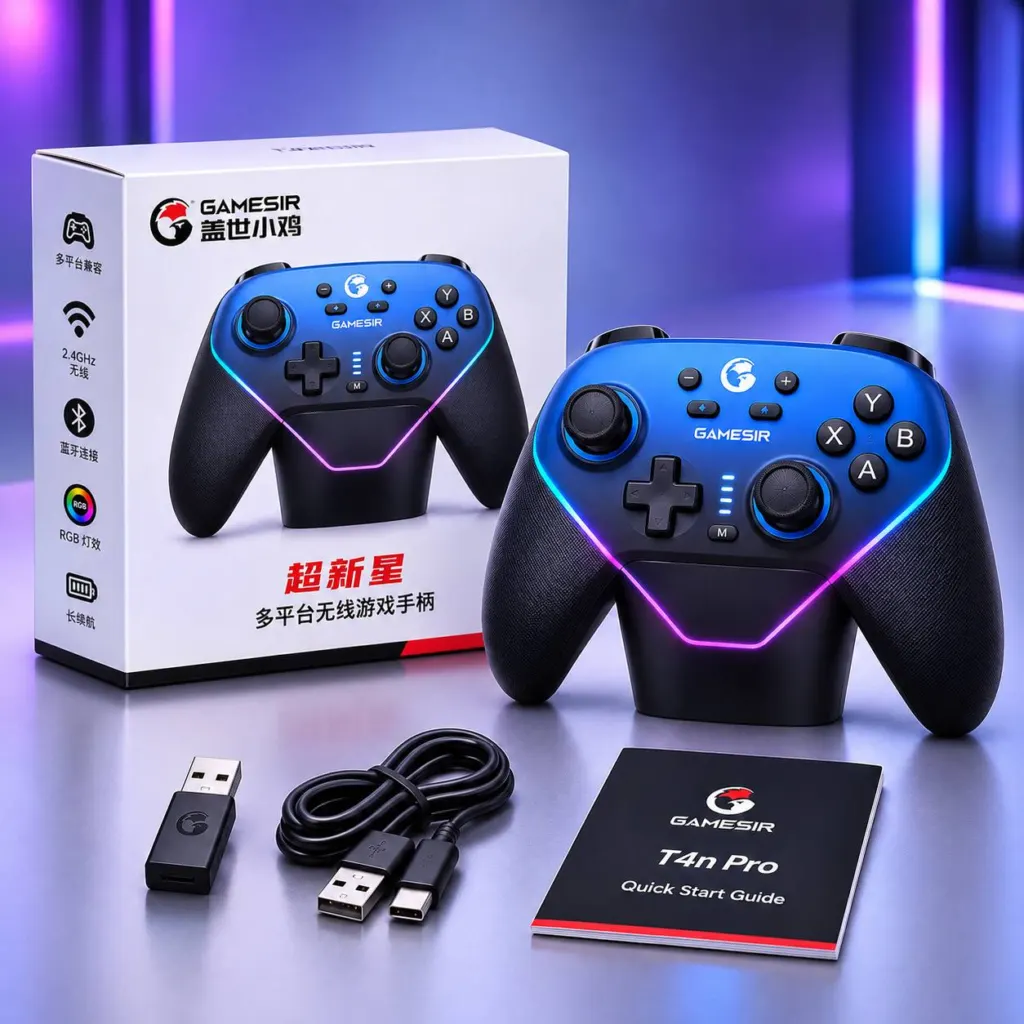
The packaging pictures a blue and black controller; the color of the unit inside has not been confirmed.

Key Features

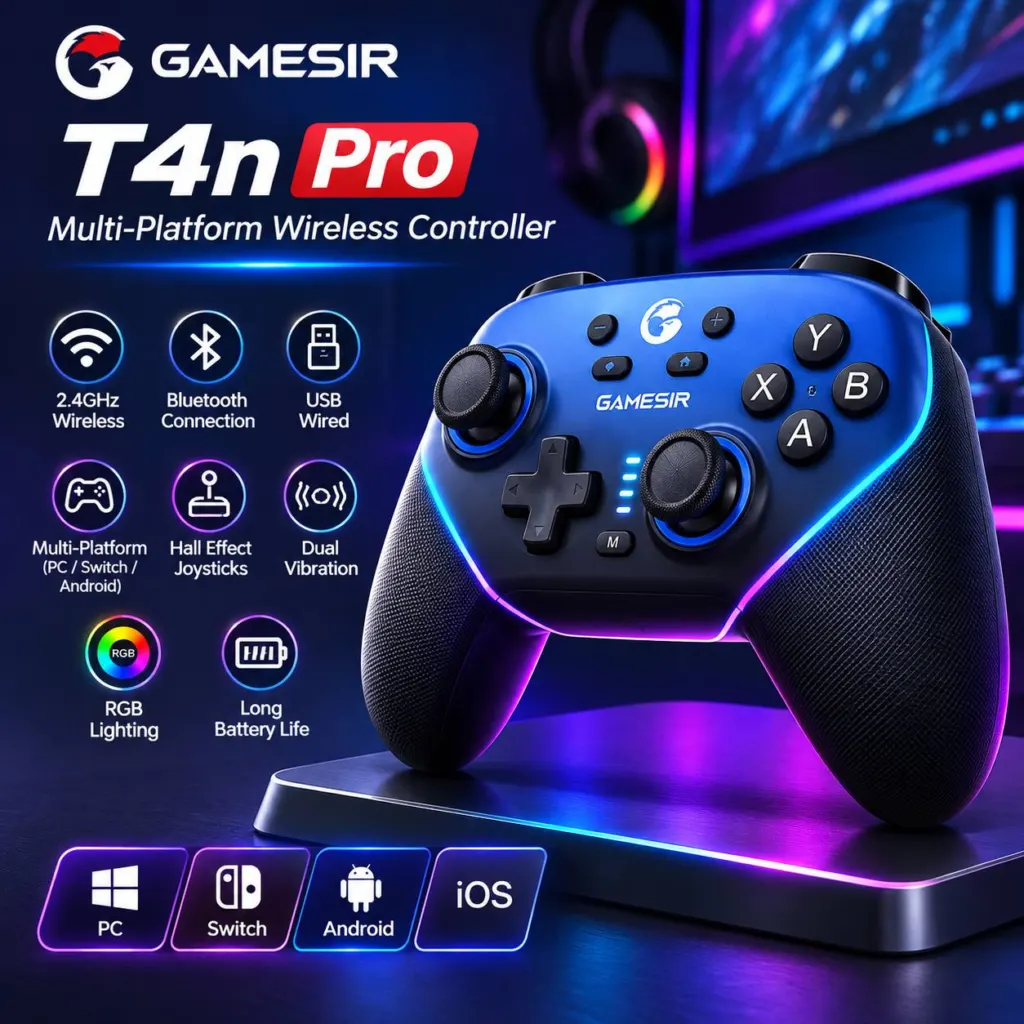
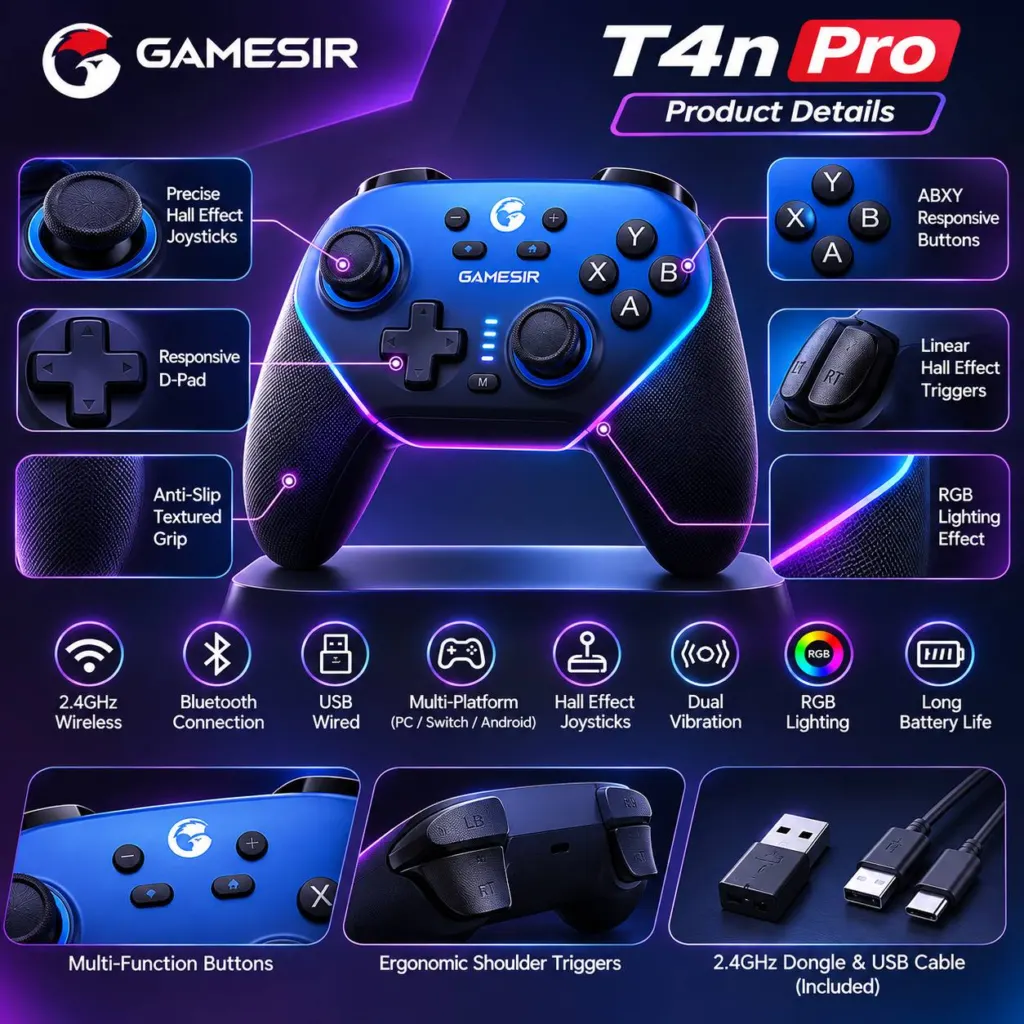
Connect via Bluetooth, a 2.4 GHz receiver or wired USB-C.
Hall-effect sticks use contactless magnetic sensing designed to reduce stick drift.
Hall-effect triggers feature physical trigger stops and a hair-trigger mode.
Two programmable rear buttons support mapping and macro recording.
Removable ABXY buttons and center faceplate allow the button layout to be changed.
Adjustable RGB lighting, dual vibration motors and textured rubber-coated grips.
Six-axis gyroscope supports native Nintendo Switch motion controls.

Compatibility

Supports Windows 10 or later, Nintendo Switch and Android 8.0 or later. Games must support controller input. GameSir also lists iOS support internationally, but regional or firmware limitations should be checked.

How to Use

  1. Charge the controller by connecting a USB-C cable to a suitable USB power source.
  2. For wired PC play, connect the controller to the PC with a USB-C cable.
  3. For Android Bluetooth pairing, move the rear switch to Bluetooth mode and hold Home + A. Then hold Home + Screenshot/Share for about three seconds and select the controller in your device's Bluetooth settings.
  4. To customize settings on Windows, connect by cable or receiver in XInput mode, then open GameSir Connect.

Frequently Asked Questions

Can I change the ABXY button layout?
Yes. The ABXY buttons and center faceplate are removable, allowing the layout to be changed.

Is a charging dock included?
The dock is pictured on the box, but GameSir lists it as optional. The contents of this package have not been confirmed.

Does it work with Xbox or PlayStation consoles?
Compatibility with these consoles has not been verified.

Related Products