-23%
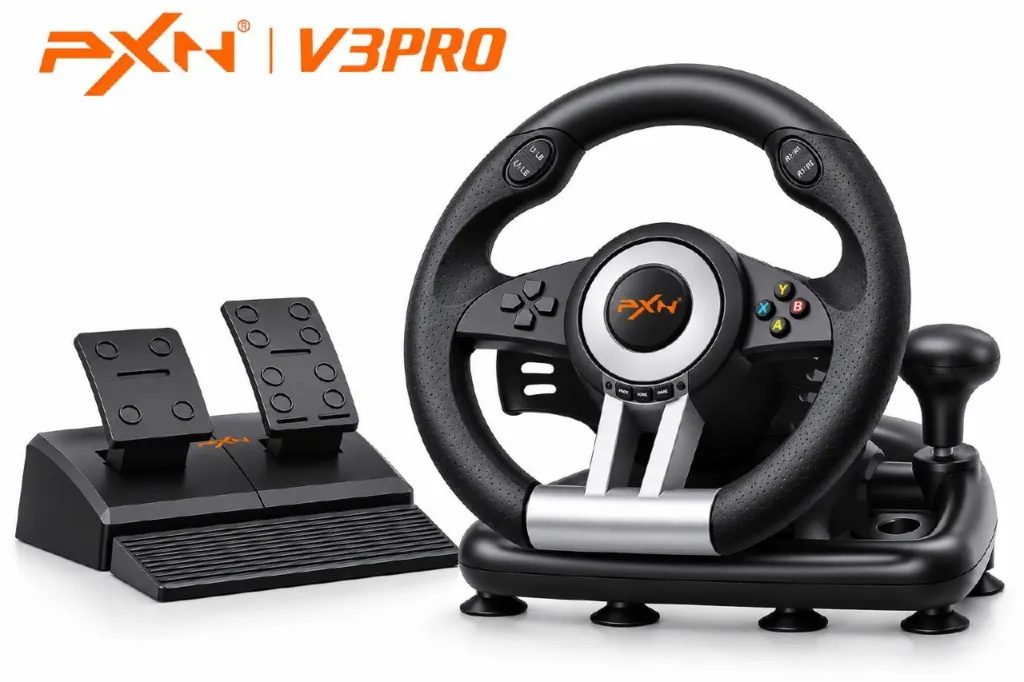
PXN V3 PRO Wired Racing Wheel - Black
PXN V3 PRO Wired Racing Wheel - Black - image 2
PXN V3 PRO Wired Racing Wheel - Black - image 3
PXN V3 PRO Wired Racing Wheel - Black - image 4
PXN®

PXN V3 PRO Wired Racing Wheel – Black

Color: Black

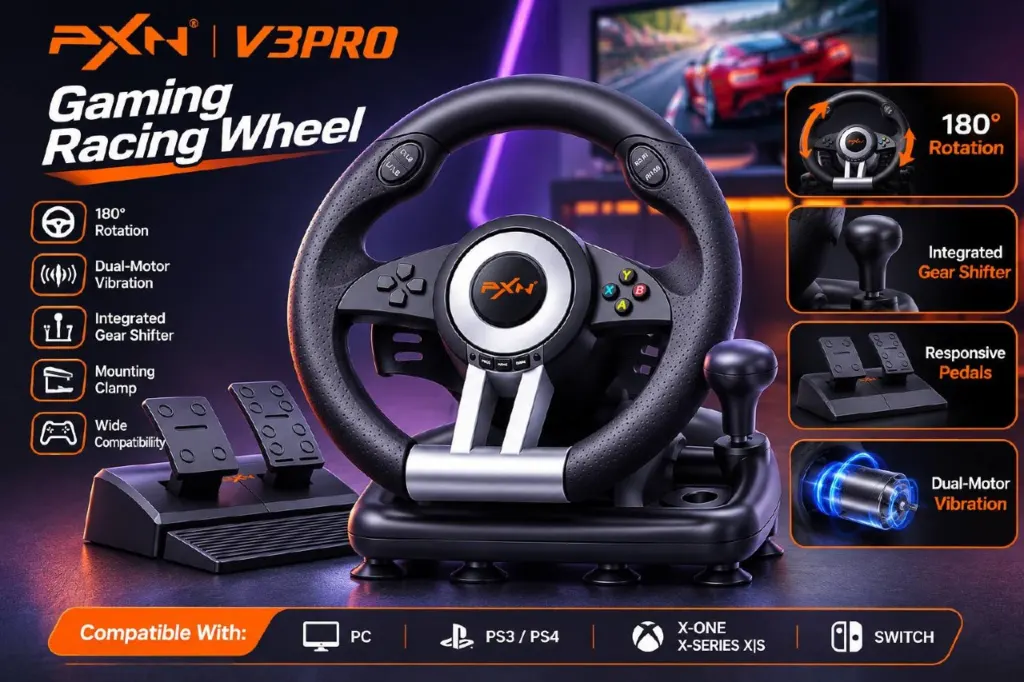
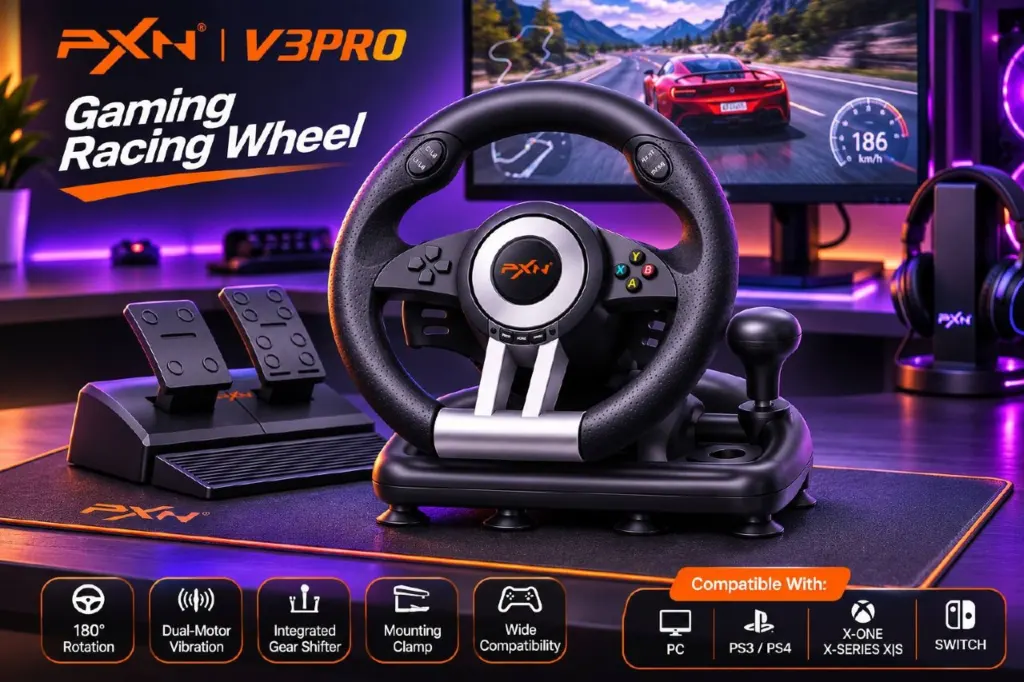
The PXN V3 PRO is a wired racing wheel with 180° rotation, vibration feedback, a two-pedal unit and an integrated sequential shifter.

MAD 999MAD 1,299-23%
Separate foldable accelerator and…
Integrated sequential shifter and…
Dual-motor vibration feedback
D-pad, A/B/X/Y buttons, function …
Mount using the included clamp or…
Model: PXN-V3PRO

10 in stock

In Stock – Ready to ShipDelivery in 24 – 48 Hours

Product Description

Bring a wheel and pedals to your racing games with the PXN V3 PRO. This wired racing wheel combines 180° steering rotation with dual-motor vibration feedback and an integrated sequential shifter.

Key Features

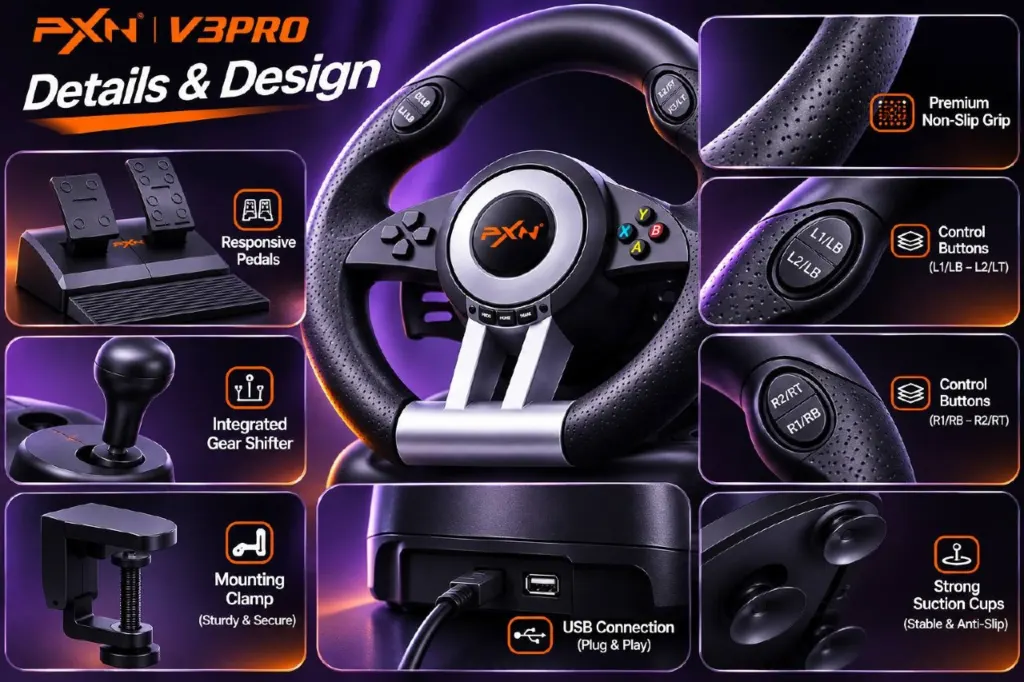
Separate foldable accelerator and brake pedal unit
Integrated sequential shifter and left/right paddles
Dual-motor vibration feedback
D-pad, A/B/X/Y buttons, function buttons and shoulder controls
Mount using the included clamp or suction cups
What's in the Box

  • V3 PRO gaming steering wheel
  • Pedal unit
  • Mounting clamp
  • User manual

Compatibility

Compatible with Windows 7, 8, 10 and 11, PS3, PS4, Xbox One, Xbox Series X|S and Nintendo Switch. PS4 and Xbox setups require the respective original console controller and a data-capable cable. Game compatibility and control behavior can vary.

How to Use

  1. Secure the wheel to a desk using the mounting clamp or suction cups.
  2. Connect the pedal unit to the wheel and position it within comfortable reach.
  3. Connect the wheel by USB to your chosen platform. For PS4 or Xbox, first connect the powered-off original console controller to the wheel using a data-capable cable, then connect the wheel to the console and press HOME.
  4. On PC, hold HOME for three seconds to switch between X-input and D-input if needed. On Switch, enable Pro Controller Wired Connection in Controllers and Sensors settings before connecting the wheel to the dock.
  5. Start your game and configure the controls as needed.

Frequently Asked Questions

Does it have force feedback?
No. It has dual-motor vibration feedback, not true force feedback.

Does it include a clutch pedal or a separate shifter?
The pedal unit has an accelerator and brake. The sequential shifter is integrated into the wheel base; no clutch pedal or separate H-pattern shifter is listed.

Can it rotate 900°?
No 900° mode is listed. The specified rotation is 180°.

Will the pedals work the same way in every Switch game?
Control mappings can vary by game, and acceleration may behave as on/off rather than proportional input.

Related Products